Occupied and free bays
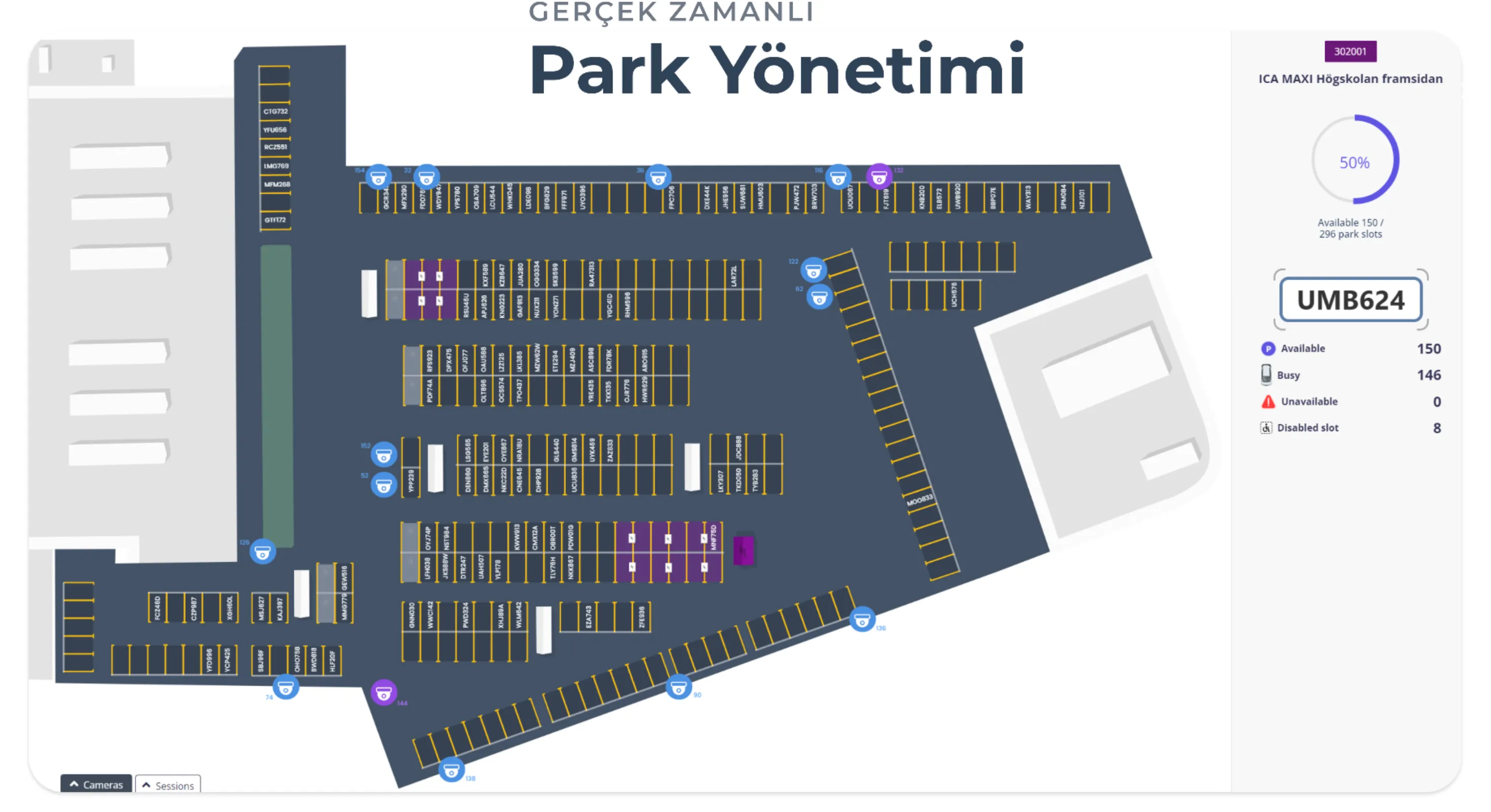
Each bay sits on the plan; occupied bays are set apart by colour and plate.

Drifter
Every bay, plate and camera sits on the site’s own plan. This is not a camera wall; it is a plan drawn to run the car park.
Sweden
The screen title is real-time parking management. Occupied and free bays, camera points and the selected plate share one view.
Current model
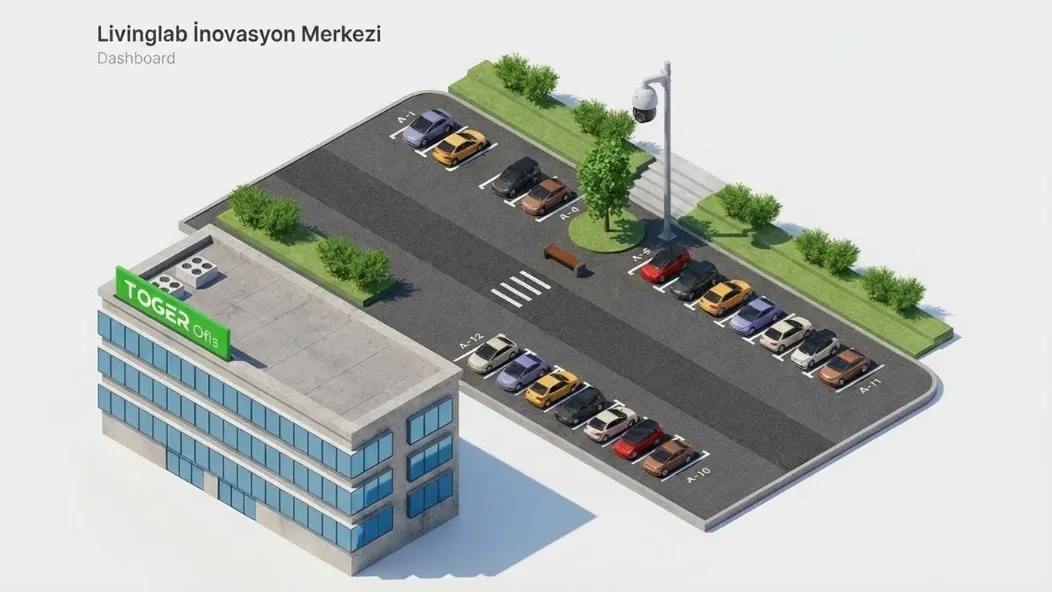
The same management idea, on a metre-true model of the site. Livinglab Innovation Centre; numbered bays and a camera pole in place.
What sits on the plan
Each mark on the plan is a bay, a plate or a camera. The operator looks at this screen to run the car park, not to watch CCTV.
Each bay sits on the plan; occupied bays are set apart by colour and plate.
The plate is written on the occupied bay; the selected bay opens in the side panel.
Cameras are marked at their real positions; the plan and the cameras are one record.
Drifter
Bays are drawn in Designer; the live plan runs in Drifter.